Generating reports
For when you need a formal, shareable document rather than individual module exports.
Start with Reports
Reports is the main way to generate a report. Open it from the location you are analyzing, choose your use case, and get a full assessment you can preview, refine, and download.
- Generate your first report
- Choose your settings
- Read your report
- Manage and download past reports
- Reports FAQ
Reports is included with Enterprise plans. On a Standard plan, your Customer Success Manager can tell you how to get access.
Reports at a glance
- Opens where you are. From the location you are analyzing, already selected.
- Built around your purpose. Site assessment, travel security, or event planning, with an industry option where it applies.
- Summary or Detailed. A quick read, or the full write-up with key findings, threat actors, terrorism and activism, recommendations, and cited sources.
- Runs in the background. Keep working, or log out. You are notified when it is ready.
Reports is a report generator, not a chat assistant. Your analysts add the judgment; Reports does the drafting.
The existing report tool
Still on the existing tool?
The two options below are the original report tool. If your account has Reports, use that instead. If you are not sure which you have, ask your Customer Success Manager.
To generate a report with the existing tool, start by selecting the location data you want to include. Click the highlighted collection area on the location panel — this is the first step that surfaces the full report generation dialog.
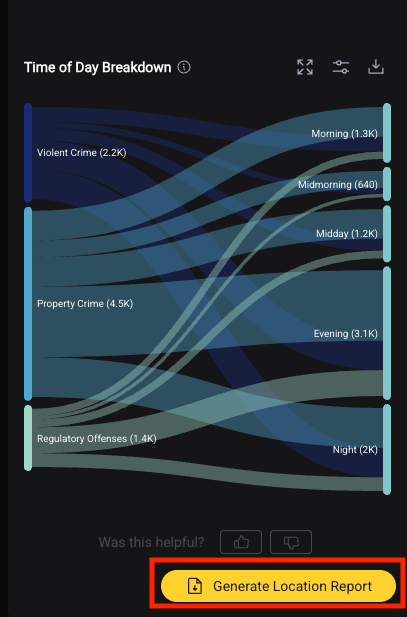
Once you've made your selection, the report generation options will appear.
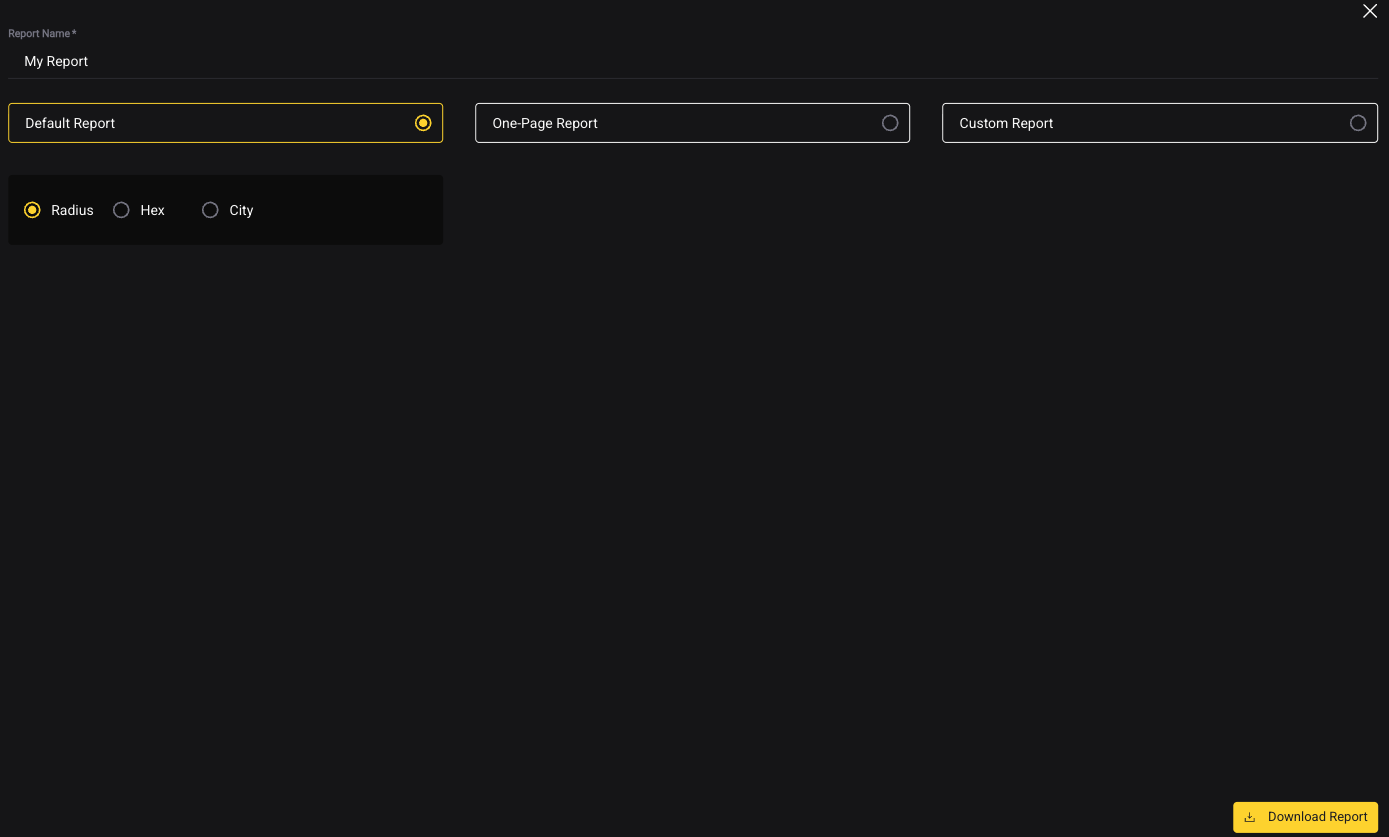
Auto-Generated Assessment Report
One click generates a full assessment report for the current location: - Automatically includes BaseScore, trend, category breakdown, and event summary - Formatted and branded - Delivered to your email as a PDF
Best for: quick site checks, ad-hoc requests, internal briefings.
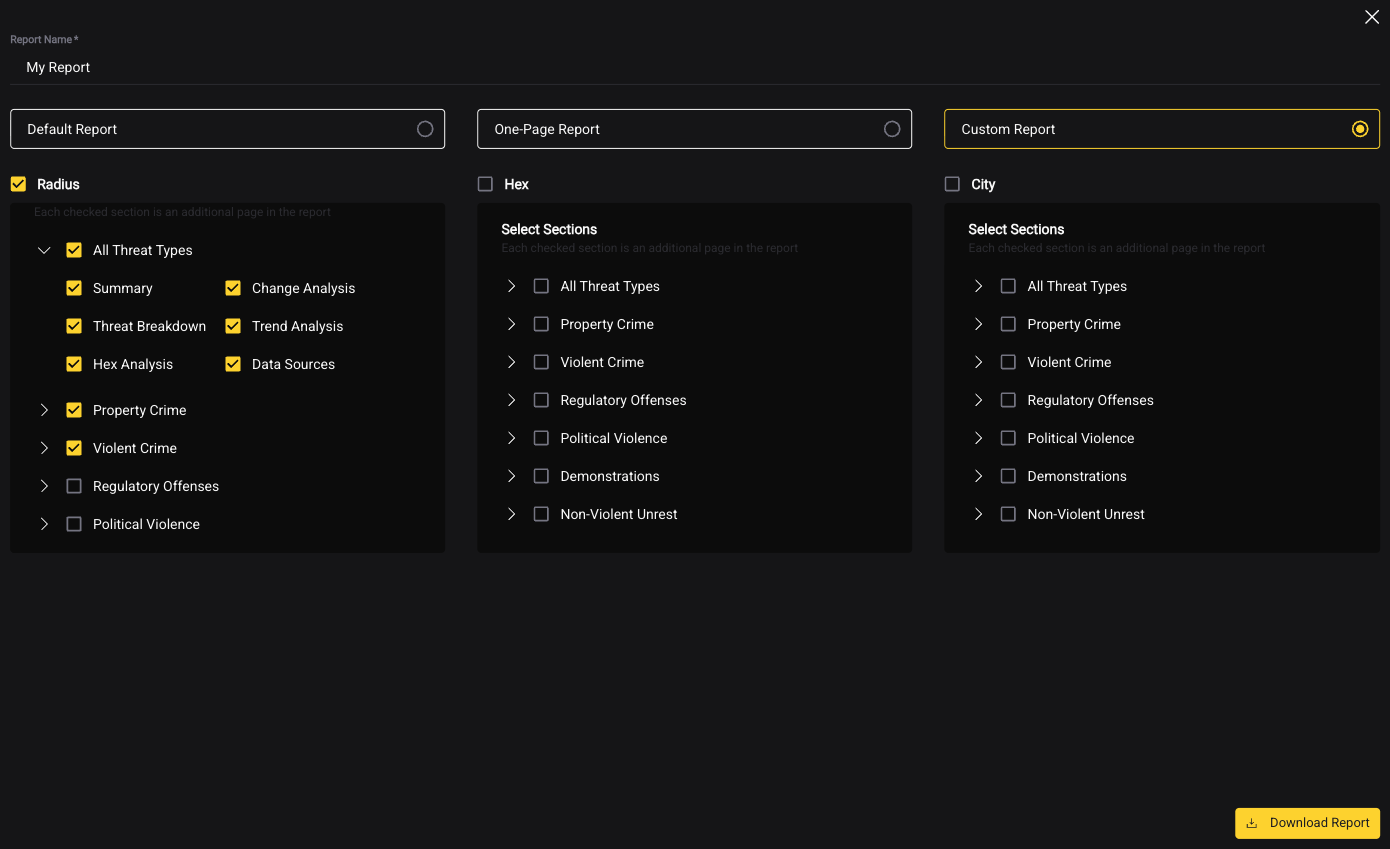
Custom Report
Build a report by selecting exactly what to include: - Choose which modules and data visualizations appear - Set the time period - Select specific event categories to include or exclude
Best for: formal deliverables, QBRs, executive presentations, travel risk packages.