Filters
Filters control what event data is included in your analysis.
Most filters do not change the BaseScore
BaseScore is set at the monthly refresh. Changing the date range or the radius changes the events and trends you are looking at — it does not recalculate the score.
The exception is event categories: the score is aggregated across the categories you have selected, so turning categories off does change it.
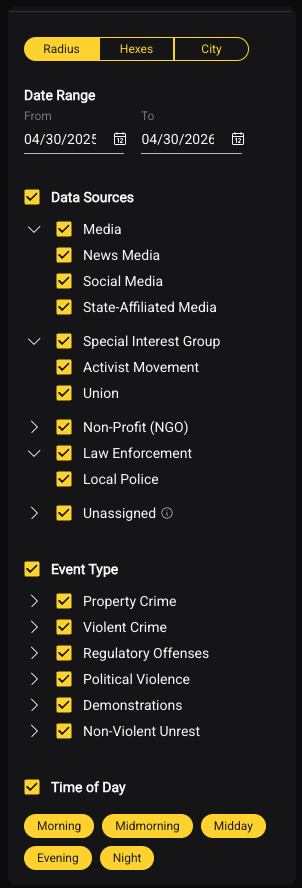
Date Range
Set a custom date window or use preset options: - Last 30 / 60 / 90 days - Last 12 months - Custom date range (start and end date) - Year-over-year comparison
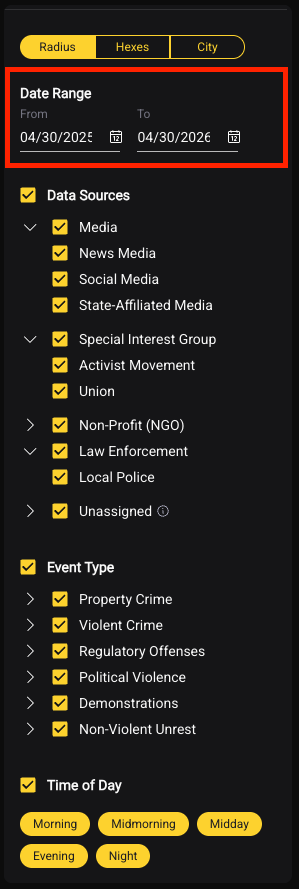
Tip: Use a 12-month window for standard site assessments. Use year-over-year to understand trajectory.
Time of Day
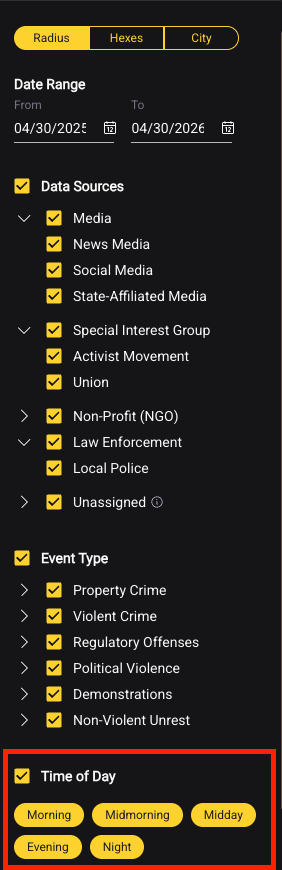
Filter events by when they occurred: - All hours - Daytime only - Nighttime only
Useful for operations that are shift-specific (e.g., a facility that operates only during business hours, or a late-night venue).
Event Categories
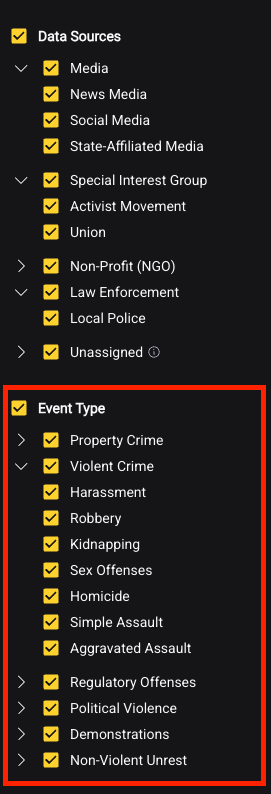
Toggle individual event categories on or off. As you add or remove categories, BaseScore recalculates in real time. This lets you run targeted analyses — for example, isolating only violent crime to understand a specific risk type.
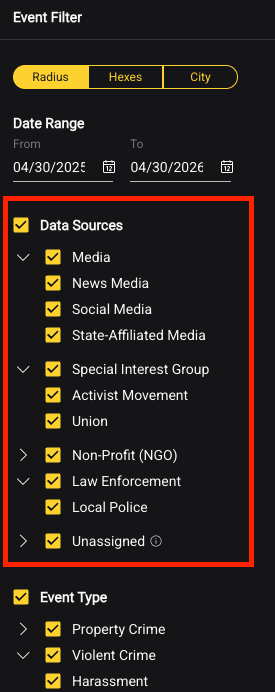
Data Sources
The platform aggregates data from 25,000+ global sources feeding 150+ million mapped incidents worldwide. Sources span:
- Law enforcement — local police departments, national police agencies, university police, 911 call data
- Government — national and local government feeds, open datasets
- News and media — local and national outlets covering unrest, civil events, and public safety incidents
- NGOs and non-profits — organizations tracking civil unrest, conflict, and humanitarian events
- Social and open data — social channels, open datasets, and additional aggregated feeds
In the source filter, you can narrow to specific source categories depending on your focus. Law enforcement sources are the primary input for crime event categories. Media and NGO sources are the primary input for unrest event categories. By default, all relevant sources for a given event type are active.
BaseEngine Toggle
Located in the filter panel. Keep this on for all standard analysis — see BaseEngine for what it does and when you would ever turn it off.